
Claude is a generative artificial intelligence assistant developed by Anthropic. It accepts natural-language instructions and can generate, analyze, summarize, transform, and discuss text, images, code, and supported document formats.
The service is designed for individuals, developers, researchers, teams, and organizations. People use it for activities such as drafting content, reviewing documents, explaining technical subjects, analyzing information, writing code, and automating language-based tasks through an API.
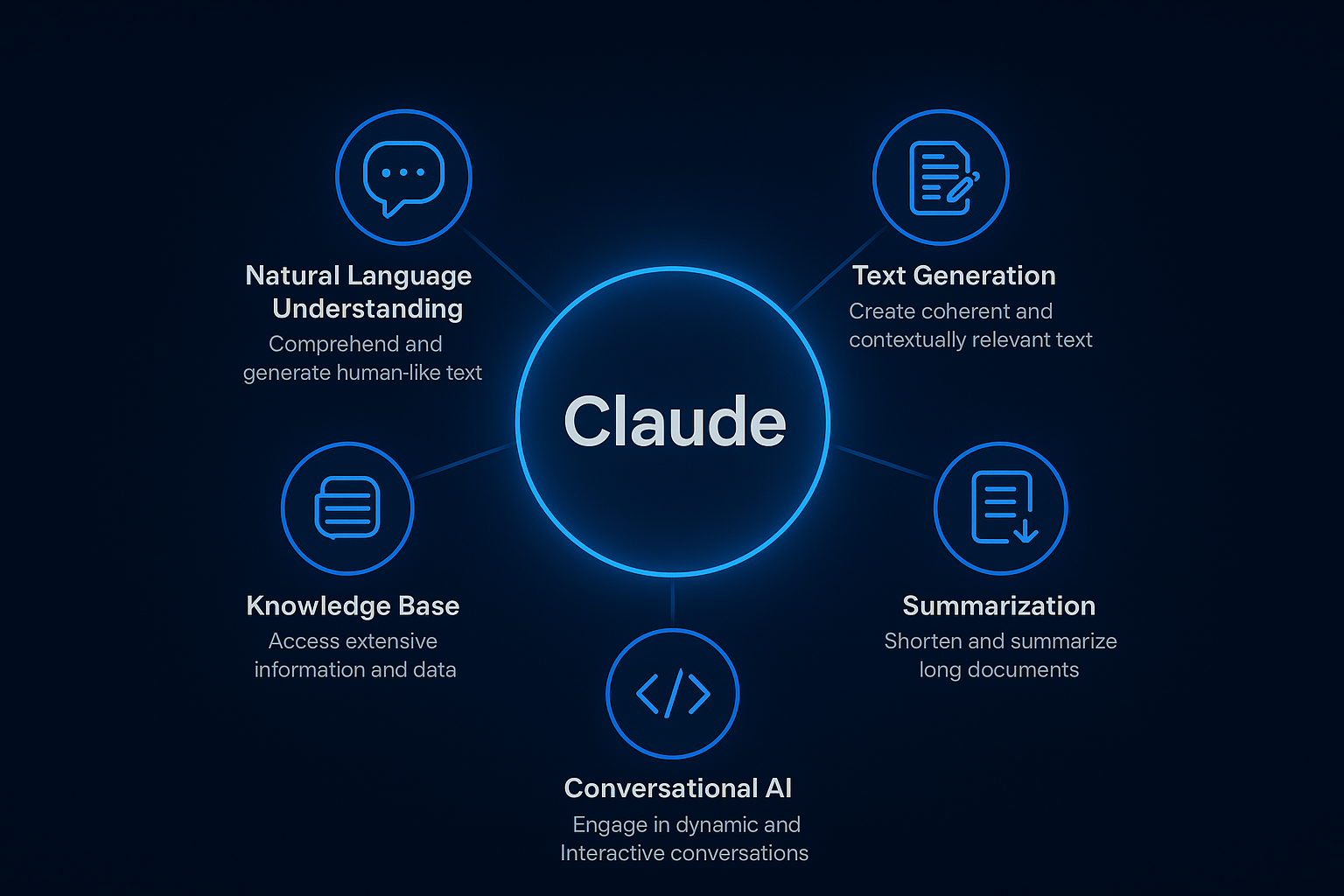
Claude is available through consumer applications, workplace plans, developer tools, and cloud-based model access. Its suitability for a task depends on factors such as accuracy requirements, usage limits, data policies, model availability, and the need for human review.
Quick Facts
| Item | Details |
|---|---|
| Developer | Anthropic PBC |
| Founded | 2021 |
| Headquarters | San Francisco, California, United States |
| Category | Generative artificial intelligence |
| Platforms | Web, macOS, Windows, iOS, Android, and API |
| Deployment | Cloud-hosted software and API access |
| Free Plan | Yes |
| Paid Plans | Pro, Max, Team, Enterprise, and usage-based API access |
| API | Yes |
| Open Source | No |
| Mobile Apps | Official iOS and Android applications |
| Official Website | https://www.anthropic.com/claude |
What Is Claude?
Claude is an AI assistant built on Anthropic’s family of large language models. A large language model processes a prompt and produces a response by identifying statistical patterns learned during training and applying instructions and context supplied in the conversation.
Users can interact with Claude conversationally through its website and applications. Developers can access supported Claude models programmatically through the Anthropic API, while organizations can use business plans with administration and collaboration controls.
Claude is intended to help with work that involves language, reasoning, documents, images, or software code. For example, it can condense a long report, compare text passages, draft an email, explain a programming error, organize research findings, or extract information from an uploaded file.
The software can reduce the time needed to produce an initial draft or examine a large amount of material. It does not guarantee factual accuracy, however, and generated answers may contain incorrect statements, incomplete analysis, or fabricated details. Important output should therefore be checked against reliable sources.
Typical users include writers, software developers, analysts, students, educators, researchers, customer-support teams, marketers, and business professionals. Anthropic also offers enterprise and developer options for organizations that need centralized access or want to add model capabilities to their own products.
Key Features
Available features can vary by plan, model, account type, region, and application. Anthropic documents the following capabilities across the Claude product family:
- Conversational assistance: Users can ask questions, provide instructions, refine responses, and maintain context over a multi-message conversation.
- Document and image analysis: Claude can process supported files and image inputs. Common tasks include summarization, comparison, information extraction, chart interpretation, and discussion of visual material.
- Writing and editing: The assistant can draft, rewrite, proofread, translate, outline, or adjust the tone and structure of text. A generated draft still requires review for accuracy and appropriateness.
- Programming support: Claude can explain code, generate examples, identify possible errors, propose changes, and discuss software architecture. Its suggestions should be tested before they are used in production.
- Web search: Supported Claude experiences can search the web and provide citations to online sources. This gives the model access to more recent information, although users should still inspect the cited material.
- Research: Claude’s Research capability can perform multiple searches and examine connected sources before producing a response with citations. Availability and usage limits depend on the account and plan.
- Artifacts: Artifacts provide a separate workspace for content generated during a conversation. Supported outputs include documents, code, diagrams, and interactive material that users can inspect and revise.
- Projects: Projects let users organize related conversations and provide project-specific knowledge or instructions. This can create a more consistent context for recurring work.
- Styles: Users can select or create response styles that influence how Claude communicates. Styles change presentation and tone rather than guaranteeing different underlying facts.
- Extended thinking: Supported models and plans can allocate additional processing to complex reasoning tasks. This can be useful for involved analysis, mathematics, planning, and coding, but it does not eliminate errors.
- Voice mode: Claude’s mobile applications support spoken conversations in eligible experiences. Feature availability may differ by platform, language, region, and plan.
- Claude Code: Claude Code is Anthropic’s agentic coding tool for terminal-based software development. It can inspect a codebase, edit files, run commands, and assist with development workflows subject to user approval and configured permissions.
- API and tool use: Developers can send prompts to Claude through the Anthropic API and define tools that a model may request. The surrounding application remains responsible for executing tools, enforcing permissions, validating arguments, and handling results securely.
Use Cases
Businesses can use Claude to prepare first drafts of reports, emails, product documentation, meeting summaries, and internal knowledge material. Teams can also use Projects to keep instructions and reference documents associated with an ongoing body of work.
Software teams may use Claude to explain unfamiliar code, create tests, review proposed changes, generate documentation, or investigate an error. Claude Code provides a more direct workflow for repository-level tasks, but developers remain responsible for code review, security checks, licensing considerations, and testing.
Analysts and researchers can ask Claude to summarize uploaded reports, compare arguments, categorize qualitative feedback, or organize findings. Web search and Research can help locate sources, while citations allow users to inspect the underlying pages rather than relying solely on the generated summary.
Marketing and communications professionals can use it for brainstorming, outlining, editing, audience adaptation, and draft creation. Generated claims, quotations, statistics, legal statements, and brand-sensitive material should be verified before publication.
Individuals may use Claude for learning support, personal writing, planning, document explanation, or general questions. It can explain a subject at different levels of complexity, but it should not replace qualified professional advice in medical, legal, financial, or other high-impact contexts.
Developers can integrate Claude into applications such as support systems, document-processing workflows, internal search tools, coding products, and structured information pipelines. Production implementations require application-level safeguards, monitoring, evaluation, access controls, and cost management.
Pricing & Plans
Anthropic offers both account subscriptions and usage-based developer access. Prices, taxes, included capacity, and feature availability can differ by country, billing method, and purchasing channel.
- Free: The individual Free plan costs $0 and provides limited access to Claude. Usage limits can vary based on demand and the complexity or length of conversations.
- Pro: Anthropic publishes a price of $20 per month when billed monthly in the United States. An annual option is published at $200 per year, equivalent to approximately $17 per month when averaged across the billing period.
- Max: The individual Max plan has two published monthly options: $100 for expanded usage and $200 for the higher-usage tier. Anthropic describes these in relation to the usage available on Pro, but practical capacity varies with message length, model, features, and system demand.
- Team: Anthropic publishes Team Standard at $25 per member per month with annual billing or $30 per member with monthly billing. A Premium seat option is published at $150 per member per month with annual billing and includes higher usage and expanded access to Claude Code.
- Enterprise: Enterprise pricing is arranged through Anthropic’s sales process. Information not publicly available.
- API: API access is billed according to usage. Anthropic publishes separate input-token and output-token rates for supported models, with additional pricing rules for features such as prompt caching, batch processing, and web search where applicable. Rates differ by model and should be checked on Anthropic’s current official API pricing page before deployment.
Subscriptions to Claude’s applications and charges for API usage are separate billing products. A paid Claude account does not automatically provide an API usage allowance, and an API account does not automatically include a paid consumer subscription.
Pros & Cons
Pros
- Supports writing, document analysis, image understanding, coding, research, and general question answering in one conversational interface.
- Available through web, desktop, mobile, terminal, and API-based workflows.
- Projects, styles, and Artifacts provide ways to organize context and work with generated material.
- Web search and Research can provide citations that users can inspect independently.
- API access allows developers to incorporate supported models into their own applications.
- Free access allows individuals to evaluate core capabilities before purchasing a subscription.
Cons
- Claude can produce factually incorrect, incomplete, outdated, or fabricated responses.
- Usage limits apply and vary by plan, demand, model, prompt size, and conversation length.
- Some models and features are restricted to particular paid plans or account types.
- The models are proprietary rather than open source, limiting independent inspection and self-hosting.
- Cloud-based operation requires users to consider privacy, confidentiality, retention, and organizational data-handling requirements.
- Generated code and professional content require human review, testing, and validation.
Integrations
Anthropic provides a GitHub integration that can give Claude access to selected repositories for supported coding and project workflows. Users must authorize access and should limit permissions to the repositories and information required for the task.
Claude supports connections to Google Workspace services in eligible plans and experiences. Anthropic has documented connectors for Gmail, Google Calendar, and Google Drive, allowing Claude to search or reference authorized workplace information.
Anthropic also offers a Claude application for Slack. It enables users to interact with Claude from a Slack workspace, subject to installation, workspace approval, plan eligibility, and administrator settings.
Claude can connect to external tools and data sources through the Model Context Protocol, an open protocol introduced by Anthropic. The presence of an MCP server does not by itself mean that Anthropic developed, reviewed, or endorses the connected third-party service, so administrators should evaluate each connection separately.
For model deployment, Anthropic officially makes Claude models available through its own API and through supported cloud platforms, including Amazon Bedrock and Google Cloud’s Vertex AI. Available models, regions, billing arrangements, and platform features differ between providers.
Who Should Use Claude?
Claude is relevant to people whose work involves substantial amounts of text, documents, research, visual material, or source code. Writers, editors, marketers, analysts, educators, students, researchers, and administrative professionals can use it to create drafts, reorganize information, and explore ideas.
Software developers and technical teams may benefit from its code explanation, generation, debugging, repository analysis, API, and Claude Code workflows. Teams adopting these capabilities need review processes because generated code may contain functional defects, insecure patterns, or incorrect assumptions.
Organizations in technology, professional services, media, education, retail, customer service, and other information-intensive sectors may use Claude for internal assistance or application development. Suitability in regulated or high-impact industries depends on the organization’s legal, security, privacy, accuracy, and governance requirements.
Claude is less suitable when a task requires guaranteed correctness, offline self-hosting of Anthropic’s proprietary models, or unsupervised decisions with significant consequences. In these cases, organizations may need deterministic systems, specialist review, additional controls, or a different deployment approach.
Frequently Asked Questions
Is Claude free?
Yes. Anthropic offers a Free plan with limited access to Claude. The number of messages or tasks available is not a fixed universal quantity because usage depends on factors such as conversation length, uploaded files, selected features, model capacity, and system demand. Paid Pro and Max subscriptions provide expanded individual access, while Team and Enterprise address organizational use. API usage is billed separately and is not included merely because someone has a free or paid Claude application account.
What is Claude used for?
Claude is used for drafting and editing text, summarizing documents, answering questions, interpreting images, researching topics, explaining concepts, and assisting with software development. Organizations can also access Claude through an API to build language and document features into applications. Results should be reviewed because the model may misunderstand a request or generate inaccurate information. The appropriate use depends on the sensitivity of the data, required reliability, available controls, and consequences of an error.
Is Claude worth it?
Whether Claude is worth paying for depends on usage volume, required features, workflow fit, and the value of time saved. The Free plan can be used to assess its responses and interface before selecting a subscription. Frequent users may benefit from the higher limits or additional capabilities in paid plans, while occasional users may not need them. Businesses should also evaluate accuracy, security, administration, integration requirements, API costs, and the effort required to review generated output.
Who should use Claude?
Claude is designed for individuals, developers, teams, and enterprises that need assistance with language, documents, research, images, or code. It can support students, writers, analysts, educators, marketers, customer-service professionals, and software engineers. It should be used with qualified human oversight when output affects health, legal rights, finances, safety, employment, or other important decisions. Organizations should additionally assess Anthropic’s current terms, privacy documentation, security controls, and plan-specific administration features.
What are the best alternatives to Claude?
Alternatives include OpenAI’s ChatGPT, Google’s Gemini, Microsoft Copilot, and Perplexity. These products differ in model behavior, pricing, source citation, integrations, context handling, coding workflows, administrative controls, and data policies. No alternative is universally best. A practical comparison should use representative tasks and evaluate answer quality, reliability, speed, cost, privacy requirements, platform compatibility, and available integrations. Organizations may also consider open-weight models when self-hosting or greater deployment control is required.
Conclusion
Claude is Anthropic’s cloud-based AI assistant and model platform for working with text, documents, images, research, and software code. It serves individual users through web, desktop, and mobile applications, while developers and organizations can use Claude Code, workplace plans, APIs, and supported cloud platforms.
Its main strengths are broad language capabilities, document handling, coding support, web-assisted research, project organization, and access across several interfaces. Its limitations include variable usage caps, proprietary models, plan-dependent features, cloud data considerations, and the possibility of inaccurate output.
Claude is best suited to users who can benefit from assisted drafting, analysis, research, or development while retaining human review. Selection should be based on tested performance, current pricing, data requirements, required integrations, and the consequences of errors in the intended workflow.
🤖 About This Guide
This guide was created using a custom AI-powered automation workflow built with n8n, OpenAI and WordPress.
The system automatically researches, writes, formats and publishes objective software tool reviews while maintaining a consistent structure, editorial quality and SEO best practices.