A portfolio of my automation projects, built with Zapier to connect apps, automate repetitive tasks, and turn real-world processes into practical workflows.

🔀 Customer Feedback Triage & Automated Routing
Case
Turning customer feedback into automated, actionable workflows.
Customer feedback can contain very different types of information. Some messages require immediate attention, while others are feature requests, general comments or positive feedback.
The challenge is to automatically understand the feedback and route it to the right action without manually reviewing every submission.
The case demonstrates how Zapier AI can classify customer feedback and use the result to trigger different workflows.
Results
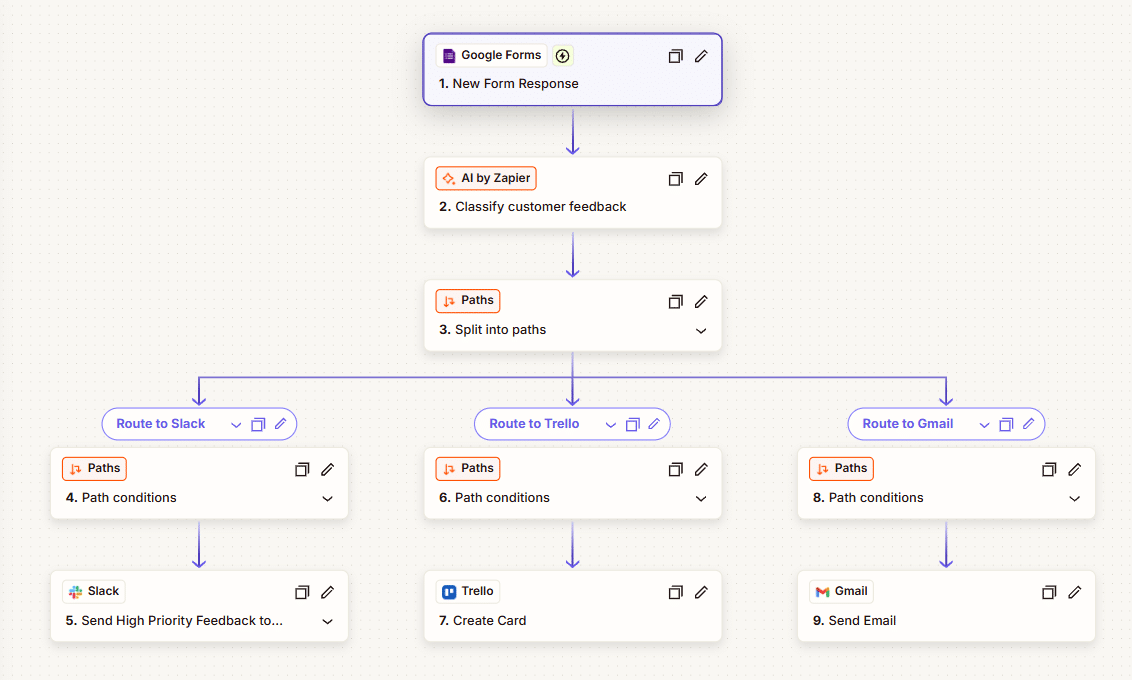
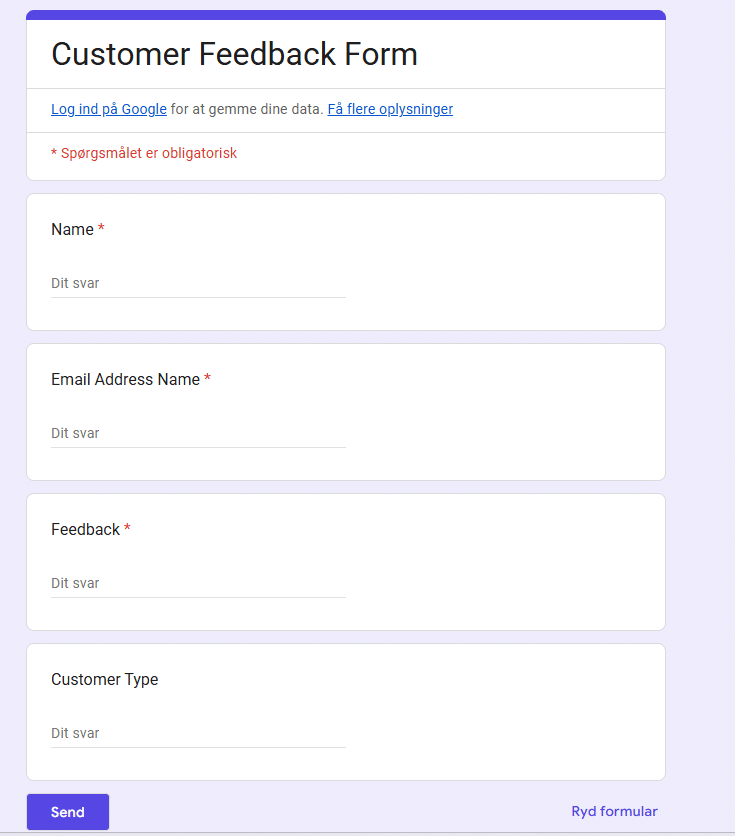
The workflow starts with a Google Forms submission and sends the feedback to AI by Zapier, which classifies the message by category, sentiment, priority and required action.
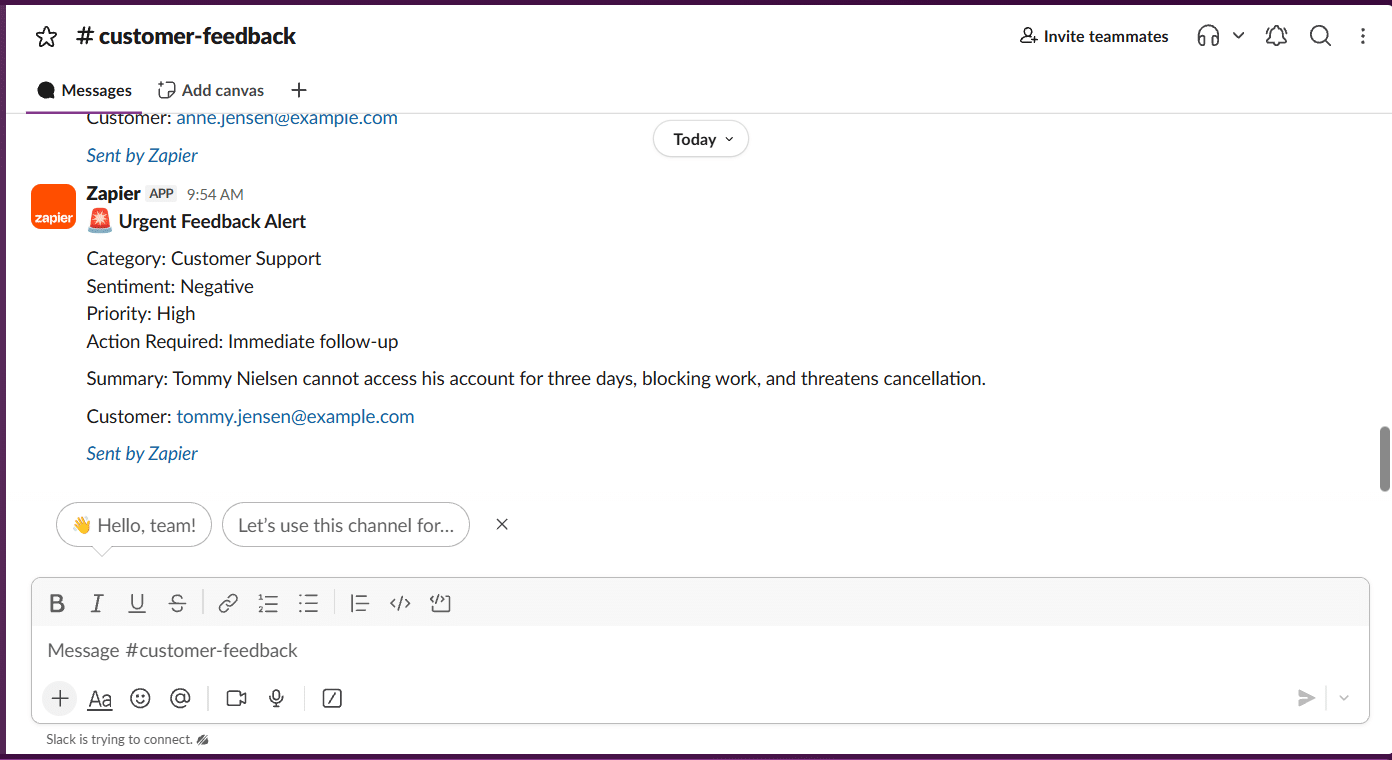
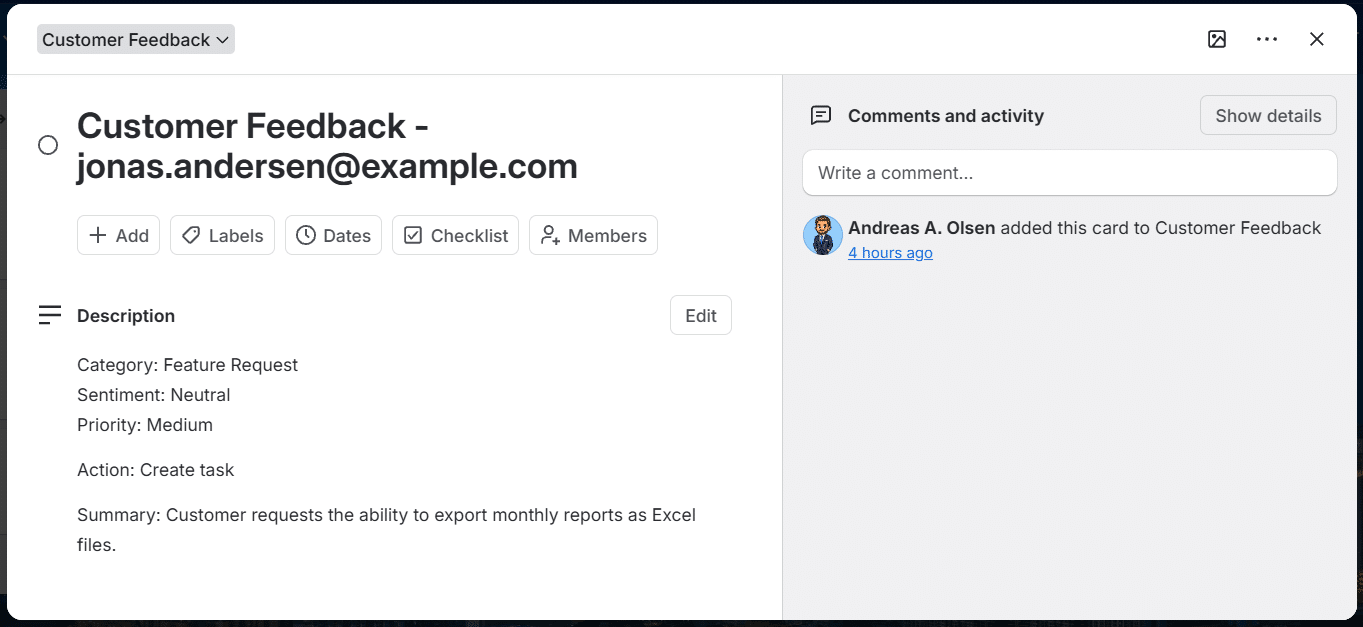
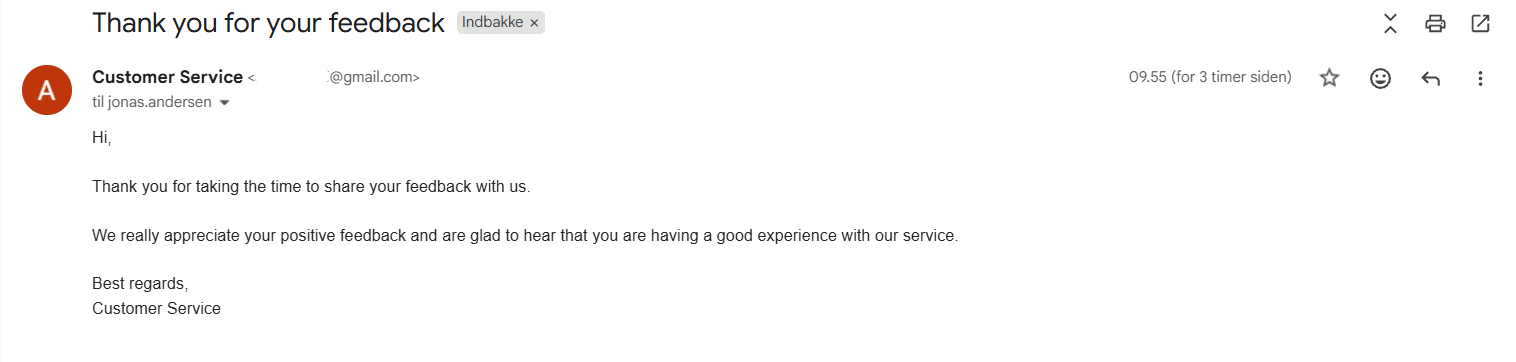
Based on the AI classification, Paths by Zapier routes the feedback to the appropriate workflow. High priority feedback is sent to Slack, non urgent requests create a Trello task, and positive feedback triggers an automated Gmail thank you message.
The result is a simple feedback triage system that connects AI classification, conditional routing and automated actions.
Cost & Usage
Zapier Professional costs approximately $21/month and includes 750 tasks per month. This workflow uses 3 credits per feedback flow, covering AI classification and the resulting automated routing to Slack, Trello or Gmail.
Estimated cost per feedback flow: $0.08. Flows classified as requiring no action consume fewer credits because no downstream action is triggered.
Workflow
 —>
—> Zapier Workflow
Google Form
Slack – Trello – Gmail
👤 Applicant Handling & Recruitment Pipeline
Case
A job application typically contains information that needs to be reviewed, stored and communicated to different people and systems before the recruitment process can move forward.
The challenge is therefore not simply to receive an application, but to create a repeatable process that can route relevant applications, store applicant information and trigger the appropriate follow-up actions automatically.
The case demonstrates how Zapier can connect form submissions with data storage, email communication, internal notifications and task management to automate the initial stage of a recruitment workflow.
Results
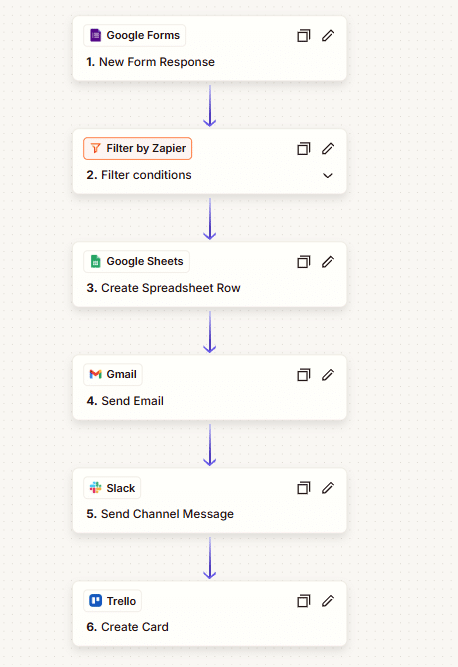
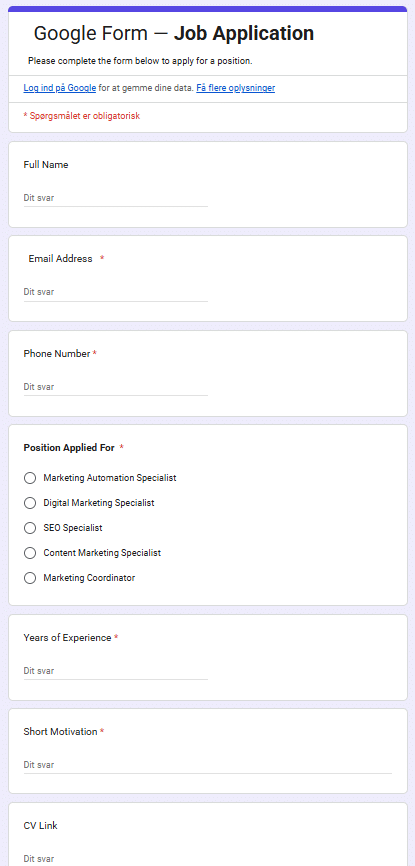
The workflow takes a job application submitted through Google Forms and automatically routes qualifying applications through a multi-step recruitment process.
Applications are first evaluated using predefined filtering logic. In this case, only applications for Marketing Automation Specialist continue through the workflow.
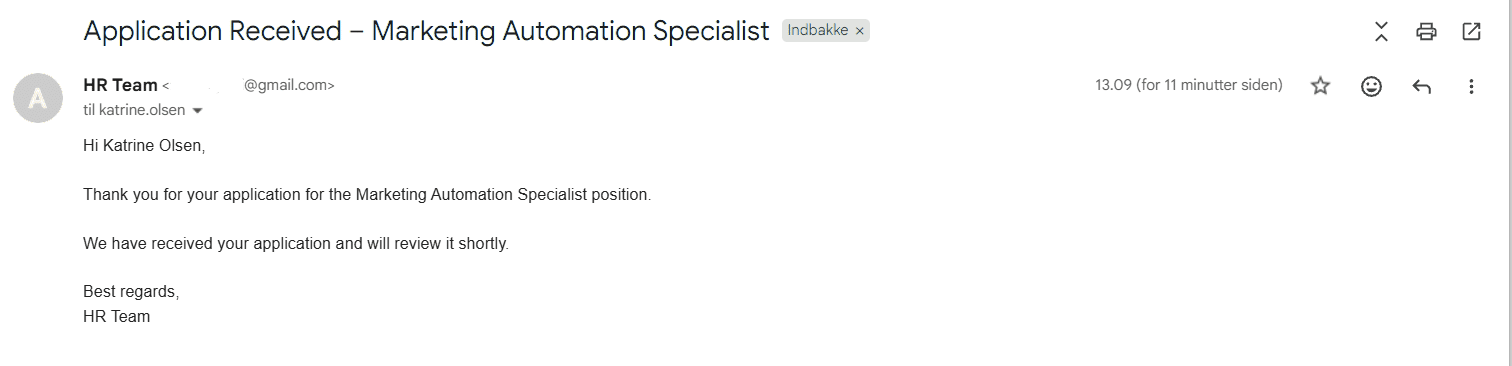
Qualifying applications are then added to a structured Google Sheets applicant tracker, while the applicant receives an automated confirmation email.
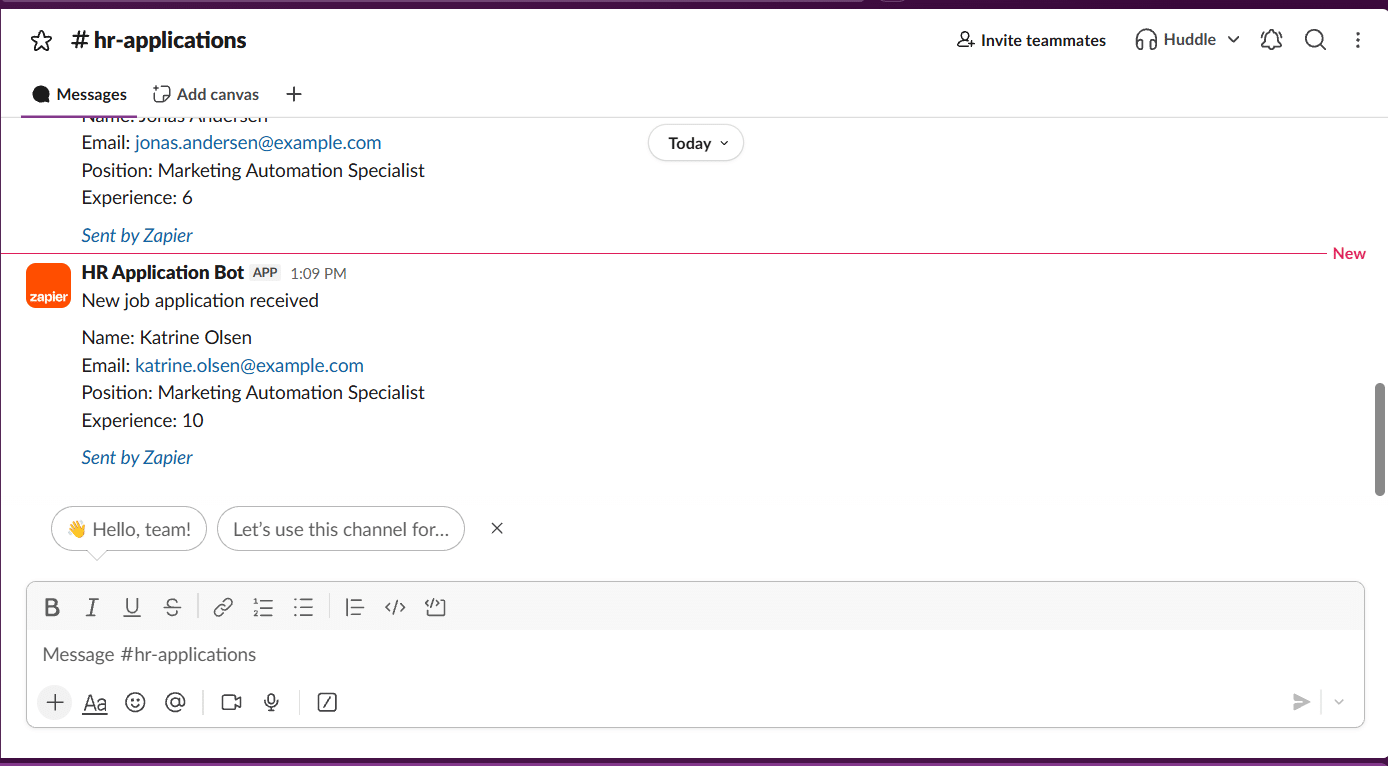
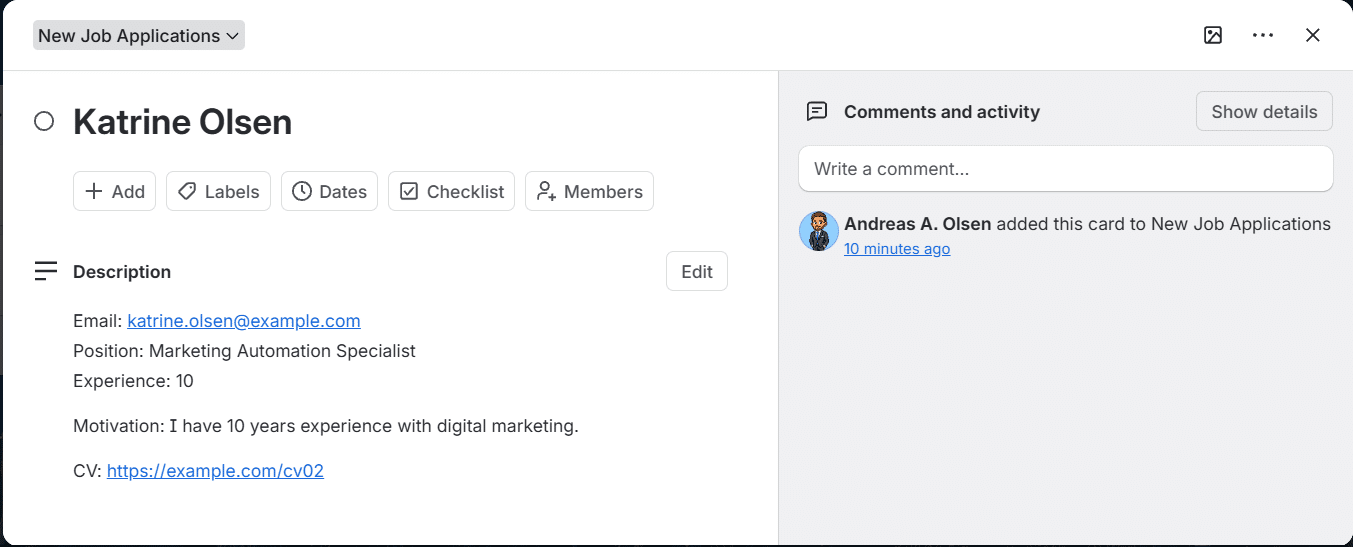
At the same time, the HR team receives a Slack notification, and a Trello screening task is created containing the relevant application information.
The workflow therefore connects application intake, conditional logic, data storage, communication and task management without requiring the same information to be manually entered into multiple systems.
Cost
Zapier Professional costs approximately $21/month for 750 tasks. Each qualifying application uses 4 tasks, resulting in an estimated cost of $0.11 per application flow.
4 Zapier tasks per qualifying application. The workflow uses four action steps after the filter:
- Google Sheets — create applicant record
- Gmail — send confirmation email
- Slack — notify HR
- Trello — create screening task
The Google Forms trigger and Filter by Zapier do not consume a task. Applications that do not match the qualification criteria stop at the filter and therefore do not trigger the four downstream actions.
Workflow
Zapier Workflow
Google Form
Sheet

Gmail
Slack & Trello